




22 August 2023

Using ChatGPT for Creating an Email Newsletter: A Step-by-Step Guide
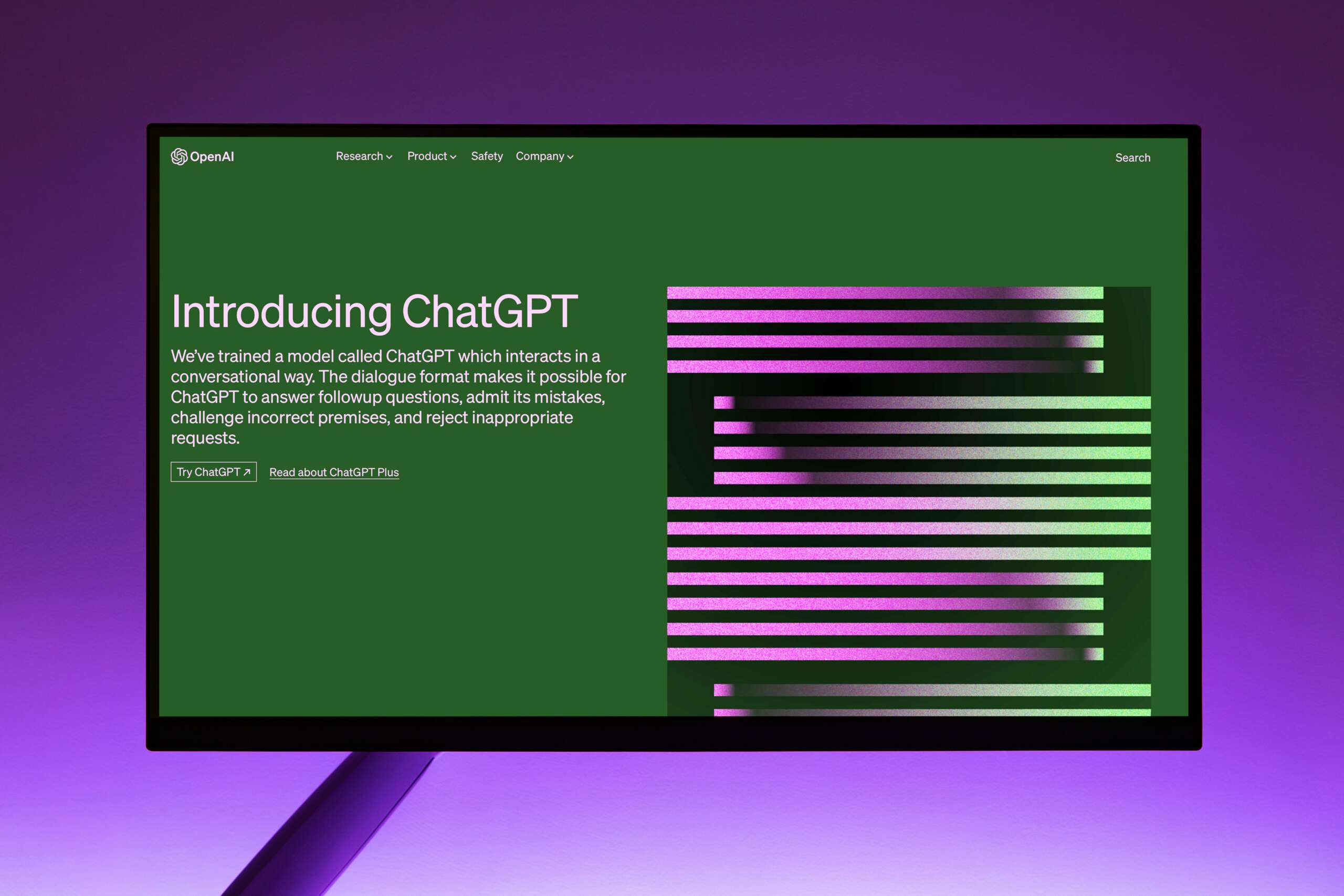
The use of Artificial Intelligence (AI) has revolutionised many areas of marketing, with an increasing number of companies using tools like ChatGPT or Midjourney to disseminate their brand messages. ChatGPT, an acronym for „Generative Pre-trained Transformer,“ stands for a powerful AI language model capable of understanding and responding to natural human language. As such, ChatGPT can assist you in creating newsletters.
Below we will show you how to use AI step by step to create a newsletter, saving time and working more effectively.
Step 1: Gaining access to ChatGPT
Before you can use ChatGPT, you need access to this innovative tool. Various platforms are available that offer AI text generation services. One renowned option is OpenAI, the company behind GPT-3.5. With OpenAI, you can choose between two options: the free version of ChatGPT and the Plus version, also known as ChatGPT-4.
ChatGPT-4 is available to you for a monthly price of €20 and offers you numerous improvements and advantages over the free versions. The Plus version has a broader knowledge base and improved problem-solving skills, so ChatGPT-4 can handle complex tasks more precisely. The version is characterised by creativity and cooperation – you can master creative or technical writing tasks together with the model and develop your own writing style, among other things.
In addition to processing text, ChatGPT-4 is capable of analysing and captioning images. With a capacity of over 25,000 words, it is ideal for extensive texts, longer conversations, and document search and analysis.
The choice of the right AI model depends on your requirements. You can either access ChatGPT directly via the OpenAI API or use trusted third-party platforms. Whether you opt for the free or paid version, ChatGPT is a powerful tool at your disposal for creating your newsletters.
Step 2: Define the topic and purpose of your newsletter
Before you start creating your newsletter, you should clearly define its goal and purpose. Do you want to inform your customers about new products, provide them with valuable advice, or simply keep your brand visible? A clear objective will help you stay focused and make the newsletter more relevant to your target audience. Furthermore, a clear objective will help you formulate your prompts for ChatGPT in a specific and purposeful way. This will result in better answers during the process and quicker access to the information you are looking for.
Step 3: Gather relevant information
Now that you’ve decided on the topic for your newsletter, it’s time to gather relevant information. You can use ChatGPT to do this, both to find information on your topic and to get tips for your further research. When conducting your research, you should use other sources alongside ChatGPT to ensure your sources are diverse. Furthermore, the free version of ChatGPT only contains data up to 2021; the AI is not yet aware of more recent findings. You should bear this in mind during your research.
As further sources, in addition to your own content, looking at current trends and industry-related news is suitable. Make a note of the most important points and key themes that you want to cover in your newsletter during your research.
Examples of prompts for ChatGPT:
- I want to write an email newsletter about [topic], what can you tell me about [topic]?
- Are there specific keywords or themes I should focus on during my research to keep my content focused?
- Welche Strategien oder Tipps könntest du vorschlagen, um die gesammelten Informationen effizient zu organisieren und in den Newsletter einzubringen?
Step 4: Organise the newsletter
A clear structure is crucial for making the newsletter readable and engaging. Divide the newsletter into sections and plan the order in which you want to present the information. You can get suggestions for a structure and subheadings from ChatGPT for this purpose. Also, remember that visual elements such as images, infographics, or graphics can break up your text and engage your readers more effectively.
Examples of prompts for ChatGPT:
- Could you suggest some creative subheadings for each section of my newsletter that will grab my readers' attention?
- What order would be best suited to present the information in my newsletter logically and engagingly?
- Could you give me a brief summary of the proposed structure and the main points of my newsletter so I have an overview of the overall content?
Step 5: Use ChatGPT for content development
Things are getting exciting now! You can use ChatGPT to generate content for your newsletter or a subject line. Ask targeted questions about the individual sections of your newsletter and let ChatGPT suggest ideas and phrasing. You can then use these suggestions as a basis for your newsletter. Try to ask your questions as precisely as possible to get exactly the content you need.
Example Prompts for ChatGPT:
- Here's a short introduction for your newsletter that should pique your readers' interest and engagingly present the main topic: "Fancy a peek behind the curtain? This month, we're diving deep into [Main Topic], uncovering [intriguing aspect 1] and exploring [intriguing aspect 2]. Get ready to [verb related to benefiting from the topic] and perhaps even [exciting outcome]!".
- What are the challenges associated with [topic of the section], and how can they be overcome? Please provide examples.
- How can I explain complex concepts on [section topic] in an understandable and engaging way for my readers?
- Here are 5 suggestions for a strong call-to-action to encourage reader interaction at the end of your newsletter: 1. Ready to dive deeper? Click here to explore our latest resources and join the conversation. 2. Don't miss out! Hit reply and share your thoughts – we'd love to hear from you. 3. Want to take the next step? Visit our website now and discover how you can get involved. 4. Got questions or ideas? We're all ears – send us a message today! 5. Feeling inspired? Share this newsletter with a friend and spread the word!.
Step 6: Revise and personalise the content
Although ChatGPT can generate high-quality texts, they still require human revision. Go through the texts created by ChatGPT and adapt them to your individual style and brand voice. Add personal remarks to create a more personal connection with your readers. Ensure that the content is easy to read and understand.
Step 7: Design the newsletter
With the finished and revised content, you can now design your newsletter. Use an email marketing tool of your choice to create and send the newsletter to your subscribers. You should pay attention to an appealing design that suits your brand. Furthermore, you should ensure that your newsletter is displayed well on different devices and email clients.
At this point, we would like to introduce our plugin „Easy Newsletter“ as an e-mail marketing tool. Easy Newsletter is an easy-to-use plugin that allows you to create and send your newsletters directly from your WordPress Dashboard. Easy Newsletter is specifically designed for WordPress websites and offers you a variety of options for your e-mail marketing.
Our conclusion
Integrating ChatGPT into the newsletter creation process can make your work easier and generate creative ideas. By using ChatGPT as a supporting tool, you can save time and produce a high-quality email newsletter that engages and informs your target audience. Experiment, refine your prompts, and discover the diverse possibilities that ChatGPT offers for your email marketing. Utilise this innovative technology to enhance your marketing efforts and strengthen customer loyalty.

About us
We are a digital agency in Hamburg for WordPress websites, online shops, and digitisation. With our Easy Plugins, we help you improve your WordPress website.

Easy Newsletter
Create and send your newsletter directly via your WordPress website without relying on an external email marketing tool and with no ongoing costs. Try Easy Newsletter now for 30 days free of charge and benefit from a wide range of features for your email marketing.